
Best Drafting Software for Architects in 2026
- Monica Kochar
- March 16, 2026
Drafting software sits at the core of how architectural teams plan, coordinate, and deliver work. It shapes not just drawings, but timelines, collaboration, and how much effort it takes to move a project forward.
Yet for many firms, the tools meant to support that process often slow it down. Documentation takes longer than expected, revisions multiply, and small inefficiencies quietly stretch into late nights and lost hours.
The numbers make this hard to ignore:
- Over 50% report inefficiencies in everyday documentation, especially around specs, libraries, and revisions.
- 4-10% of project costs are lost to rework, much of it tied to coordination and documentation gaps.
- Drafting and documentation can consume 30-50% of billable hours, even in firms using modern BIM tools.
This buyer’s guide breaks down the best drafting software available today, from dependable 2D tools to advanced BIM and automation platforms. It’s designed to help you evaluate what actually improves productivity, reduces rework, and gives your team back time where it matters most.
TL;DR
The 7 tools covered:
- PiAxis: AI-native Revit detailing and documentation automation (best for cutting sheet production time)
- D.TO (Design Together): BIM-native AI detailing with sustainability and assembly guidance
- Snaptrude: Cloud-based platform that converts RFPs into full LOD 300 BIM models in minutes
- Veras: AI-powered photorealistic rendering directly from Revit, SketchUp, or Rhino
- Architechtures: Generative design for code-compliant residential layouts and feasibility
- Autodesk Forma: Early stage site planning with real-time environmental analysis (sun, wind, carbon)
- TestFit: Real estate feasibility platform combining zoning compliance, cost modeling, and massing
Buying criteria: Revit/BIM integration, whether the tool learns from your firm’s standards, automation scope, quality control, scalability, and trial availability.
Red flags to avoid: Tools that require Dynamo scripting, don’t integrate with Revit, never improve over time, restrict trials, or produce output that needs heavy cleanup.
Bottom line: The best AI architecture tool is the one that fits your existing workflow — not the one with the longest feature list. Start with wherever your team loses the most time.
Selection Criteria for Choosing the Best Drafting Software
Before putting this list together, we looked closely at what matters when choosing drafting software, not just features on a page, but how these tools fit into real design workflows. It helps to take a step back and think about where drafting actually slows your team down.
To keep this guide useful, we looked at each tool through a practical lens, focusing on how it performs in real workflows, not just on paper.
We considered:
- How well it handles everyday drafting and documentation work
- How easy it is for teams to adopt and use consistently
- The true cost over time, including setup, hardware, and ongoing use
- How well it supports automation and integrates with existing workflows
- What real users say after working with it on live projects
With that in mind, let’s start with the list of tools.
Best Drafting Software
Here’s a table for a quick sneak peek:
| Tool Name | Best for | Ideal Project Scale | Starting Price | Platform |
|---|---|---|---|---|
| Revit | BIM & coordinated documentation for architecture and engineering teams | Medium to large architectural & multidisciplinary projects | $3,005/year/user | Windows only (native) |
| AutoCAD | Precision drafting, technical documentation, and general CAD workflows | Small to large drafting-focused projects | $2,095/year/user | Windows and macOS |
| Archicad | BIM-driven documentation with model-based drawings | Small to large architecture projects needing coordinated documentation | $940 + tax/1-year Subscription term/seat | Windows and macOS |
| Vectorworks | Flexible CAD + BIM drafting with integrated 2D/3D workflows | Small to medium architectural & design projects | $1530/year | Windows and macOS |
1. Revit
Overview
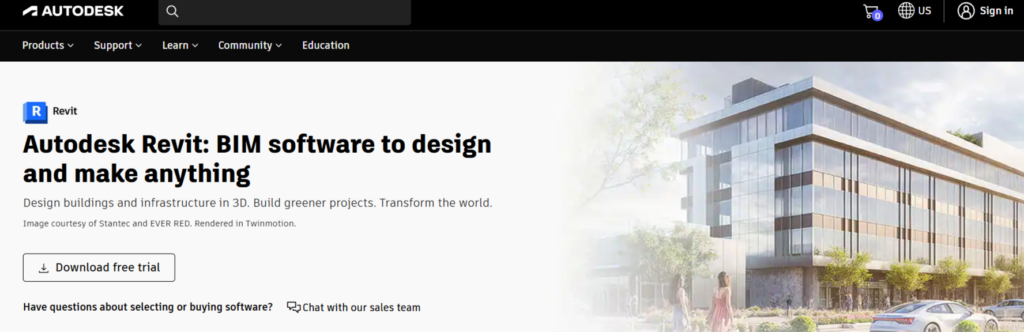
Revit is Autodesk’s flagship Building Information Modeling (BIM) software used by architects, engineers, and construction professionals to design, document, and deliver building projects. It combines 3D modeling with 2D drafting, scheduling, annotation, and construction documentation in one unified environment.
Best For:
- Multi-disciplinary coordination
- Detailed, construction-ready BIM models
- Team workflows with shared files and live updates
Key Features:
- Parametric 3D Modeling: Intelligent components update automatically across views when changes are made to the model.
- Multidiscipline Collaboration: Shared models, cloud workflows, and worksharing allow architects, engineers, and consultants to co-author in real time.
- Interoperability with Industry Standards: It supports formats like IFC and DWG, with connections to tools such as Navisworks and BIM 360 for smoother coordination.
- Advanced Visualization & Analysis: High-quality renderings, performance analysis, and early design feedback tools support informed design decisions.
- Schedules & Data-Driven Documentation: Quantities, material takeoffs, and reports update automatically as the model changes.
Pros
- Cloud syncing and worksharing capabilities.
- Easy collaboration across disciplines.
Cons
- Even with Revit’s BIM capabilities, producing detailed construction documentation can remain time-intensive and manual.
Pricing:
- $3,005/year for 1 user (pay annually)
- You can lock in your price for 3 years
Where the Bottlenecks Start Showing
Revit covers a lot of ground when it comes to modeling and documentation. But even with these capabilities, teams still spend a significant amount of time with grunt work.
Common documentation challenges:
- Repeating the same details across multiple projects
- Managing updates and revisions manually
- Maintaining consistency across drawings and standards
- Handling tight deadlines and multiple projects at once
Here’s how you can fix it!
PiAxis for Documentation
Built by practicing architects, PiAxis helps you reduce the time spent on repetitive Revit detailing. It learns from your past projects and turns them into a searchable detail library that teams can reuse across new work.
Key benefits:
- Creates a searchable detail library from past projects
- Lets you find details instantly using ChatGPT-style search assistant, Pi
- Auto-annotates and tags details to save manual work
- Integrates with Revit and adapts to your existing library
- Turns hours of detailing into minutes with AI-assisted workflows
Instead of redrawing the same details or fixing inconsistencies, teams can quickly adapt proven details to match new project needs. This helps maintain firm standards, reduce documentation effort, and save time without changing how teams already work.
2. AutoCAD
Overview
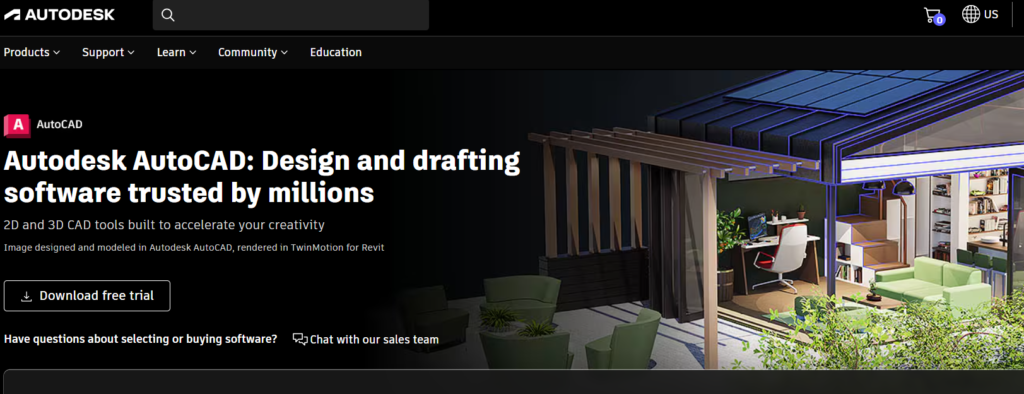
AutoCAD, first released in 1982, is Autodesk’s industry-standard CAD software for precise 2D drafting and 3D modeling. Its native DWG format is widely used for interoperable workflows, and modern versions include automation tools, specialized drafting toolsets, and web/mobile access, helping teams create accurate technical drawings efficiently.
Best For
- Reusable DWG‑based technical drawings
- Detailed 2D drafting and annotation
Key Features:
- Smart Blocks: AI-assisted block placement, search, and replacement to speed repetitive tasks.
- Markup Import & Trace: Bring feedback from paper/PDF and add design change notes without altering the original DWG.
- Web & Mobile Access: Create and edit drawings anywhere with AutoCAD on the web and mobile.
- Automation & APIs: Automate workflows with AutoLISP, macros, and third‑party apps from the Autodesk App Store.
Pros:
- Specialized toolsets expand capability for architecture, mechanical, MEP, and more.
- Web and mobile access support flexible drafting and review.
Cons:
- Steep learning curve for new users.
Pricing:
- If you pay for a year upfront, it’s $2,095 per user.
- There’s also a 30-day money-back guarantee if you’re not happy.
3. Archicad
Overview
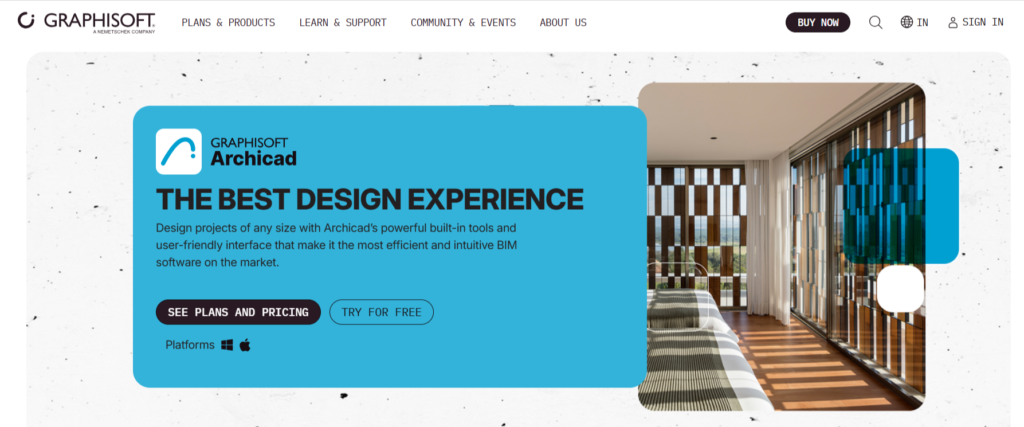
Archicad is a BIM software built for architects that lets you generate 2D and 3D documentation directly from a coordinated model, so drawings, schedules, and sheets stay accurate as the design evolves.
Best For:
- Automated annotation and schedules driven by the BIM model
- OPEN BIM interoperability for consistent documentation across platforms
Key Features:
- AI Assistant: You get built-in assistance to help speed common tasks and support users within the BIM environment.
- OPEN BIM interoperability: It supports BCF imports and linked modules for multi-discipline workflows.
- BIMcloud collaboration: Real-time teamwork with automatic sync and cloud-hosted project sharing.
- Rendering & visualization: Integrated engines for presentation-ready imagery. You get their AI Visualizer that’s powered by Stable Diffusion.
Pros:
- Generally considered more intuitive and user-friendly.
- Users often praise their customer support.
Cons:
- Subscription costs can add up for small firms or single users.
Pricing:
- 30-day free trial
- Archicad Studio starts at $78 + tax / month with an upfront payment of $940 + tax / 1-year Subscription Term / seat
4. Vectorworks
Overview
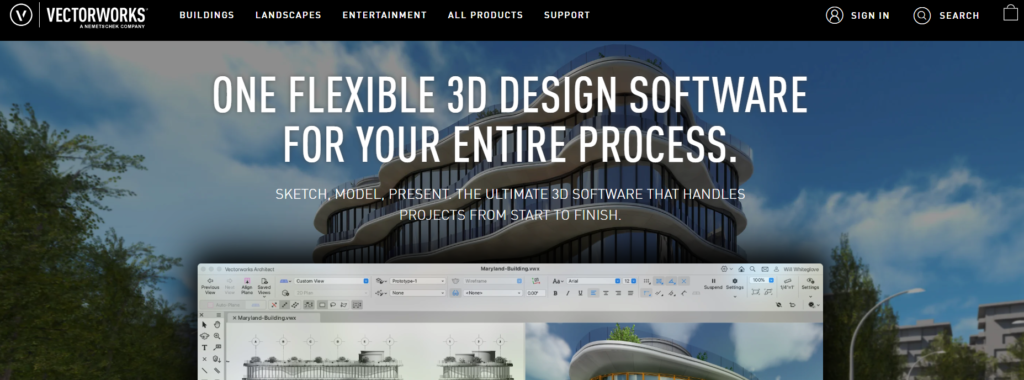
Vectorworks is a professional CAD and BIM design platform that combines precision drafting with model-based documentation in one tool. Its drafting environment lets you sketch and detail in 2D while linking drawings to an underlying model so plans, sections, and documentation stay coordinated.
Best For:
- Accurate 2D drafting supported by model data
- Integrated drawing generation from 3D data
Key Features:
- Advanced View Controls: One-click navigation and visibility options to isolate or ghost objects for clear drafting and view setup.
- Integrated Worksheets & Reporting: Create quantity take-offs, material reports, and custom worksheets directly from project data.
- Cloud Review & Collaboration: Review and comment on drawings from anywhere with cloud-based document sharing.
- Depth Cueing: You can add depth and clarity to your drawings and eliminate the need for manual edits.
Pros:
- Integration between drawings and models makes design and planning easier
- Users appreciate the graphic capabilities of the tool
Cons:
- Some workflows take time to learn due to the depth of tools.
Pricing:
- You can try it for free.
- For Architect, it starts at $127.50/month with the yearly Subscription billed $1530 every 12 months
Questions to Ask Before Choosing a Drafting Software
Before committing, it helps to step back and ask a few grounded questions that reveal whether a tool will support your workflow or slow it down.
- How much of your work is pure drafting vs model-driven documentation?
Some tools shine at detailed 2D drafting, while others work best when everything flows from a model. Be clear about where most of your time goes today.
- Does it reduce repetitive documentation work?
Look for features that minimize redrawing, re-annotating, or rebuilding details across projects. This is often where the biggest time savings come from.
- How easily can your team adopt it?
A powerful tool isn’t helpful if it takes months to get comfortable. Consider training effort, interface clarity, and how quickly teams can be productive.
- How well does it fit into your existing workflow?
Think about file formats, collaboration needs, and how often you work with consultants using different tools.
- Does it scale with your projects?
What works for small jobs may struggle on larger ones. Check how the software handles growing project size, complexity, and team collaboration.
- Is the cost justified by time saved?
Look beyond license fees. The real value comes from reduced rework, faster documentation, and fewer coordination issues.
PiAxis for Revit: Built Around How You Actually Work
PiAxis is built for teams that spend too much time recreating details, fixing inconsistencies, or searching through old projects. Instead of starting from scratch each time, it learns from your past Revit and AutoCAD work and turns that knowledge into something your entire team can reuse.
That’s the gap PiAxis is built to solve.
The tool learns from your projects and turns that knowledge into something your whole team can actually use. Instead of digging through folders or asking around for “that one detail we used last year,” you can search for it naturally and reuse it in seconds.
What makes it practical is how little it asks you to change your workflow. PiAxis works alongside Revit, learning from your existing details rather than forcing you to rebuild them from scratch.
What PiAxis helps with
- Turning past project details into a searchable, reusable library
- Letting teams find details using simple, natural language queries
- Auto-annotating and tagging details to reduce repetitive drafting
- Adapting existing details to fit new project conditions
- Keeping documentation consistent across teams and projects
If your team spends hours every week just keeping drawings aligned, PiAxis helps bring that time back, without changing how you already work.
Conclusion
Every drafting tool has its strengths depending on your workflow and project type. Start by looking at what matters most for your team: the type of projects you handle, how much of your work is 2D drafting versus model-driven, how easily your team can adopt the software, and whether it scales as projects grow.
Revit is best for coordinated, model-driven documentation on medium to large projects. AutoCAD works well for precise 2D drafting and flexible technical drawings. Archicad excels with BIM-driven workflows and strong documentation, while Vectorworks fits teams managing both 2D and 3D drafting in small to medium projects.
The right software for you must be the one that fits your workflow, helps your team draft efficiently, and keeps drawings consistent without wasting time on repetitive tasks.
Frequently asked questions
1. Is AutoCAD or Revit better?
It really depends on what you do most. AutoCAD is great for precise 2D drafting and flexible technical drawings. Revit, on the other hand, shines when you need coordinated, model-driven documentation for bigger projects.
If your work involves lots of collaboration across disciplines, Revit usually makes life easier. For smaller, detail-focused 2D work, AutoCAD can be faster and simpler.
2. How does Archicad compare to Revit?
Both are solid BIM tools, but they feel different in practice. Archicad is user-friendly, with smooth model-based workflows and strong documentation. Revit is more widely used in large firms for collaboration and project coordination.
Your choice depends on how your team works, the project size, and whether you prioritize speed or tight integration.
3. How can I improve construction documentation timelines?
The trick is cutting down repetitive work and keeping everything consistent. Tools that let you reuse details, automate annotations, and link drawings directly to the model save a ton of time. Basically, the less you’re redrawing or hunting for old details, the faster your documentation gets done.
4. Which software offers the best balance between speed and accuracy?
If you need tight coordination and high accuracy, Revit or Archicad will give you that through model-driven documentation. If you’re doing detailed 2D drafting and need quick turnarounds, AutoCAD can be faster. The right pick comes down to whether collaboration or drafting speed matters more on your projects.