×

PiAxis automatically adjusts your firm’s existing Revit details to match the conditions of the current project. Instead of manually resizing components, fixing wall layers, and updating annotations, PiAxis reads the model and modifies the detail so it fits instantly, saving hours of repetitive detailing work.
PiAxis brings the power and the promise of AI into one of the most time-consuming, tedious, and the “least fun” tasks architects and engineers need to do – creating details. And it works with Revit!

PiAxis delivers clear value in quicker and more effective project delivery. Faster access to relevant details, auto detailing per firm standards, and better consistency across drawings makes it a useful addition to Revit workflows.

Most firms already have hundreds of high-quality details. But every new project requires architects to manually modify them.
Common tasks include:
Even though the detail already exists, architects still spend hours rebuilding it.
Pain: Starting from scratch or guessing which detail to use.
No credit card required!
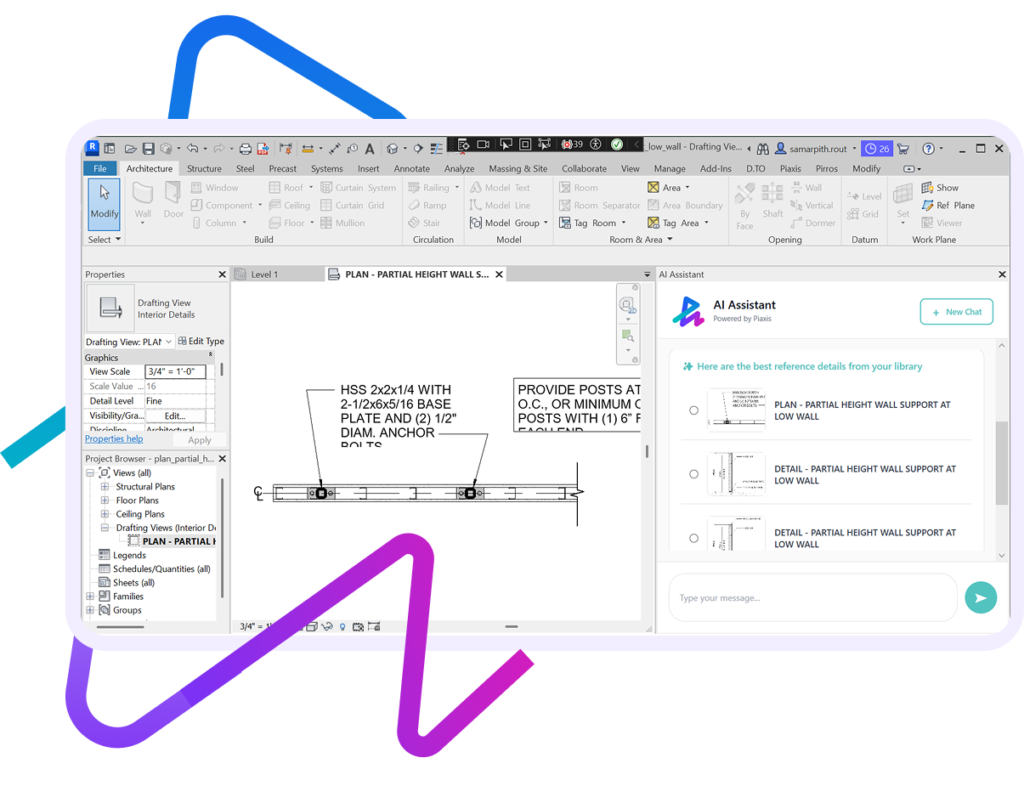
Pain: Editing details manually is time consuming.
Pain: Manual component placement is tedious.
No credit card required!
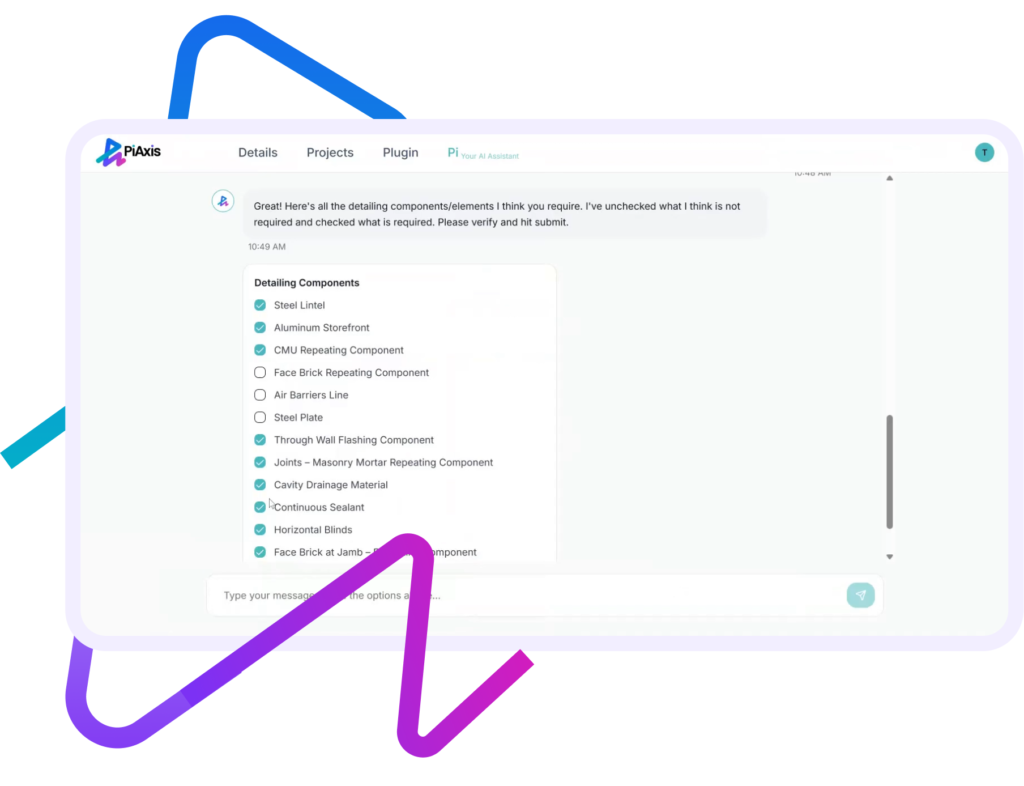
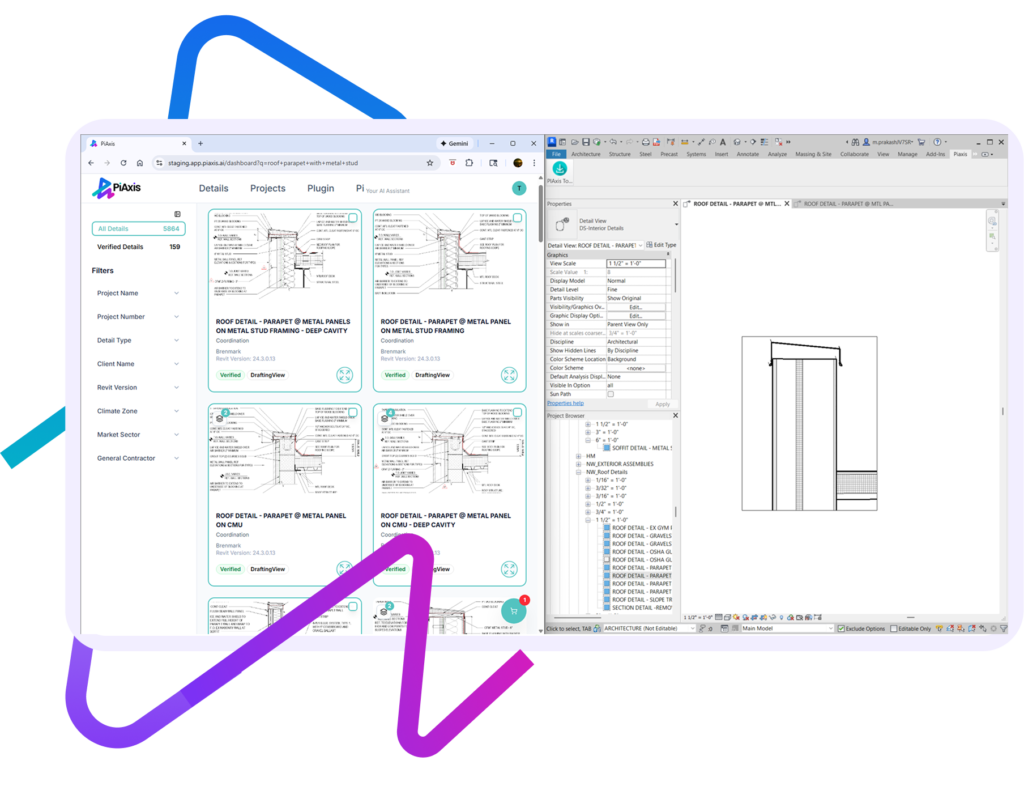
Pain: Manual resizing leads to errors and inconsistencies.
Pain: Manual component placement is tedious.
No credit card required!
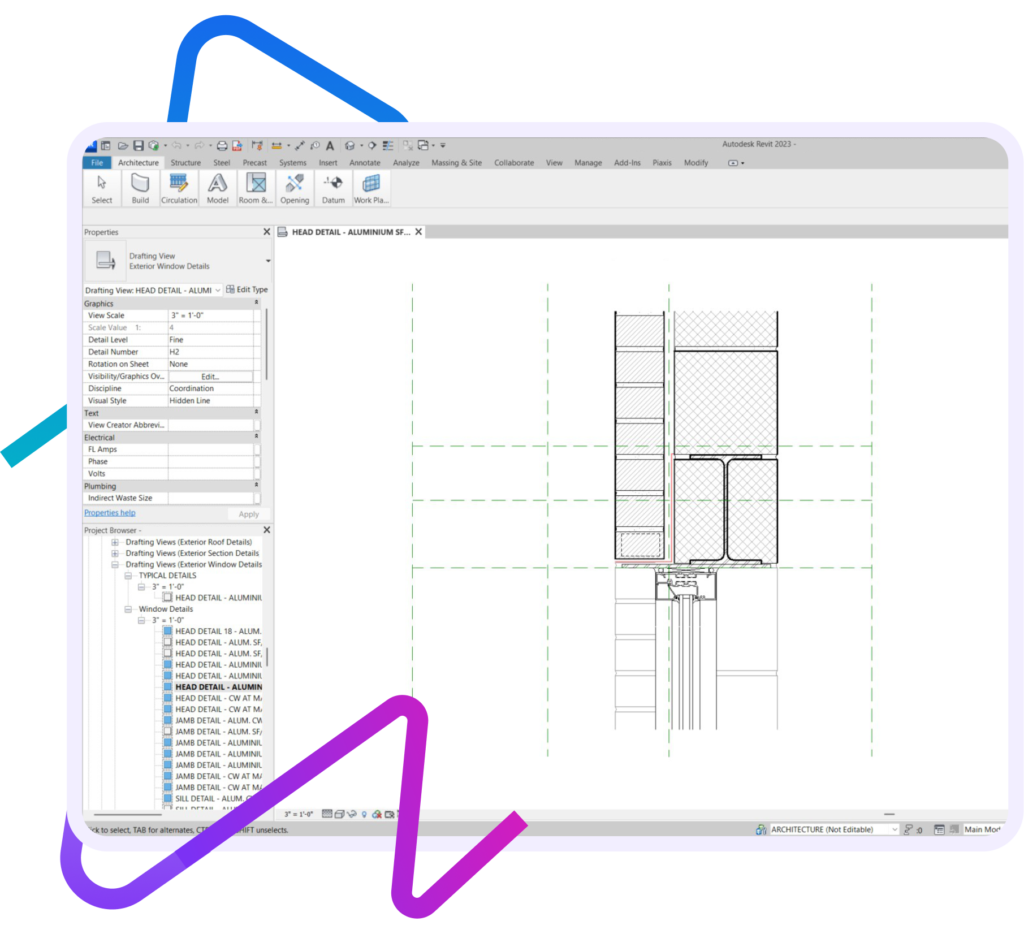
PiAxis saves significant time in Revit by removing the slowest and most repetitive parts of the detailing workflow:
The most effective PiAxis solutions work within existing AEC workflows.
PiAxis integrates directly into Revit, allowing teams to search, load, and reuse details without leaving their documentation environment.
Absolutely. PiAxis uses enterprise-grade security, encryption, and permission controls. Your data stays private and is never shared or used to train external models. We are a SOC Level II certified company.
No. While large firms benefit from scale, small and mid-sized firms often gain immediate value by organizing legacy details and reducing repetitive work.
PiAxis is useful for any firm with a growing detail library or multiple people contributing to documentation.
PiAxis is designed for:
PiAxis helps architecture and engineering teams save time and improve consistency in design documentation—especially during callout detailing. By making your firm’s Revit detail library intelligent and searchable, PiAxis allows teams to quickly find the right base detail, adapt it for specific callouts, and avoid recreating details from scratch.
Key benefits include faster callout detailing, better reuse of firm standards, improved consistency across projects and teams, reduced rework, and quicker onboarding for new staff—all delivered seamlessly within existing Revit workflows.
×